How HLH Tutoring works
Lessons, worksheets and practice papers for primary school children to use at home.
Go over a topic from school, practise a particular skill or prepare for a test. You can browse the library before creating an account.

Choose a lesson
Browse by year group, subject and topic. Each lesson preview lists the materials included.
Where there is a teaching video, your child can pause it and watch it again. Print the worksheet to practise on paper, then use the answers to check their work.
Some activities, such as comprehensions, use written materials without a video.
Use a practice paper
Your child completes the printed paper. Once you have checked it against the answer sheet, select the questions they got wrong in Find My Next Steps.
Their results show the score and the skills linked to those questions. Where Helen has added a suitable lesson or practice sheet, there is a link to open it.
See how Find My Next Steps worksOne parent account
Add a separate profile for each child and choose who is using the site. Their recorded results stay separate.
Each child needs an active subscription to open member materials. These are resources to use at home, rather than booked live tutoring sessions.
- My Account
- Manage child profiles, subscriptions and registered browsers.
- My Progress
- See the selected child’s recorded paper results and quickfire attempts.
Before you subscribe
Check the available topics and try a free sample to see whether the resources suit your child.
Learning at home with HLH Tutoring
How HLH Tutoring
works.
Lessons, worksheets and practice papers to help your child learn and practise at home.
Try a free sample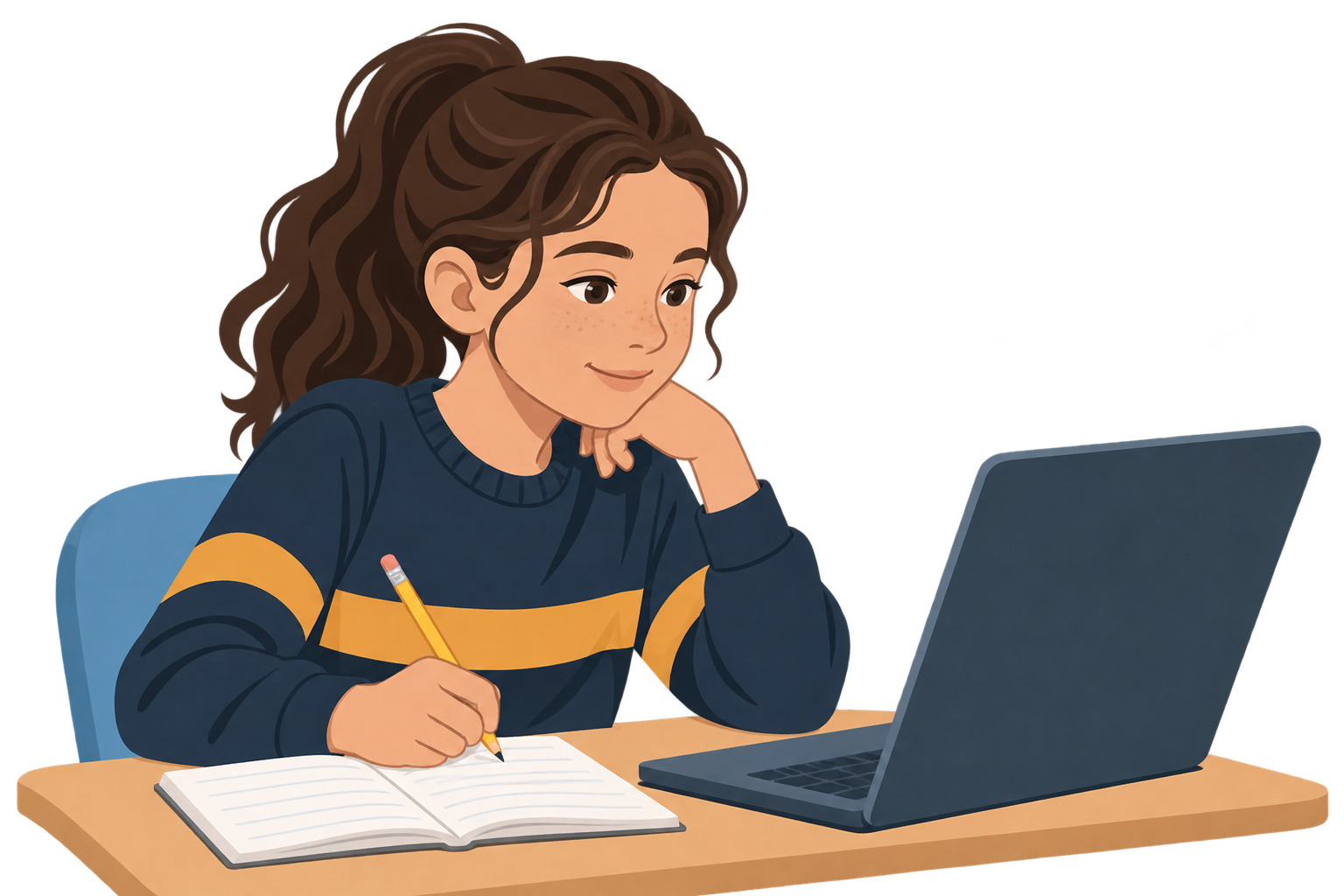
A little help, when it’s needed
Learning at their own pace.
Choose the topics your child needs, watch Helen explain them and practise together at home.
Find the right lesson
Browse by year group, subject and topic. Open a lesson preview to see what’s included.
Browse lessons →Learn and practise
Watch Helen’s teaching video, pause or watch again, then print a worksheet and use the answers to check their work.
Materials vary by lesson. Some activities use written materials without a video.See what’s clicked
Try a short quiz to check what your child has understood. At the end of a topic, use Find My Next Steps to see which lessons they could revisit.
More about practice papers →Practice papers and assessments
See what to practise next.
After a practice paper or end-of-topic assessment, check the answers and use Find My Next Steps to see which lessons and practice could help.
- Complete the paper or assessment. Print it and check the answers.
- Record the results. Select the question numbers answered incorrectly.
- Choose what to practise. See the score and skills, with links to lessons or extra practice where available.
Try a small example
Imagine you have checked a six-question paper. Select the questions your child got wrong.
This is a demonstration using example skills, not a real SEAG paper. No result is saved.
A look around
See how it all works.
Helen will show you around the website, from finding a lesson to checking your child’s progress.
Your family’s account
One parent account.
Space for each child.
Add a separate profile for each child and choose who is using the site. Their recorded results stay separate.
Each child needs an active subscription to open member materials. Lessons are available to use at home, rather than as booked live sessions.
See membership details →
Ready to take a closer look?
Try a lesson together or browse the topics before deciding whether membership is right for your child.